Save $10 On Your First Install. Use Code BLOG10
-min.webp)

Auxe is operating as an essential business
Save $10 On Your First Install. Use Code BLOG10
CCTV cameras have become an important part of home and business security. They help protect property, monitor activity, and provide peace of mind. But like any technology, CCTV systems can sometimes have problems. A camera may stop recording, lose signal, or show blurry footage. These issues can be frustrating, especially when security depends on them.
By
Ali
|
July 7, 2026


.png)

.jpg)
.png)
CCTV cameras have become an important part of home and business security. They help protect property, monitor activity, and provide peace of mind. But like any technology, CCTV systems can sometimes have problems. A camera may stop recording, lose signal, or show blurry footage. These issues can be frustrating, especially when security depends on them.
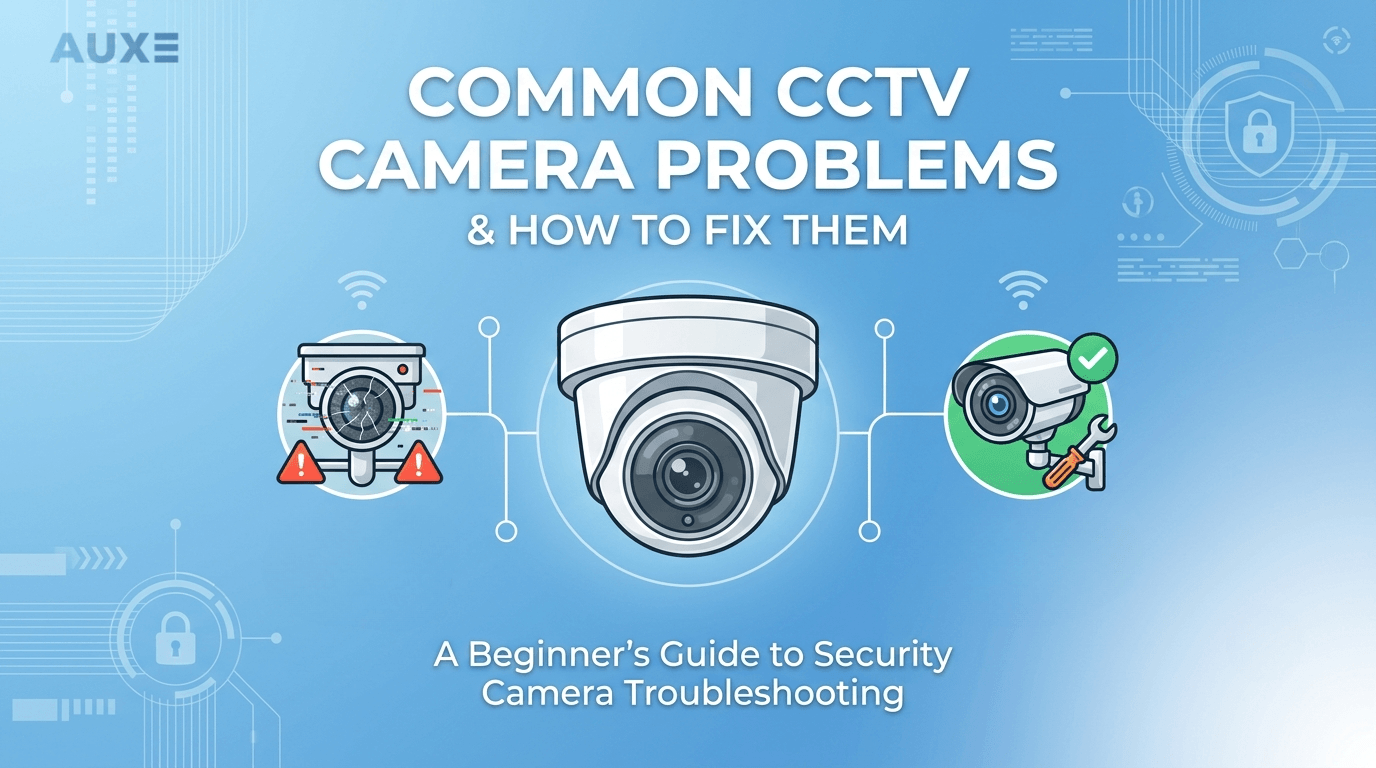
CCTV cameras have become an important part of home and business security. They help protect property, monitor activity, and provide peace of mind. But like any technology, CCTV systems can sometimes have problems. A camera may stop recording, lose signal, or show blurry footage. These issues can be frustrating, especially when security depends on them. The good news is that many CCTV problems can be fixed without replacing the whole system. Sometimes the issue is simple, like a loose cable or a wrong setting. Other times, it may need professional help. In this guide, we will go through some of the most common CCTV camera problems and explain how to fix them.
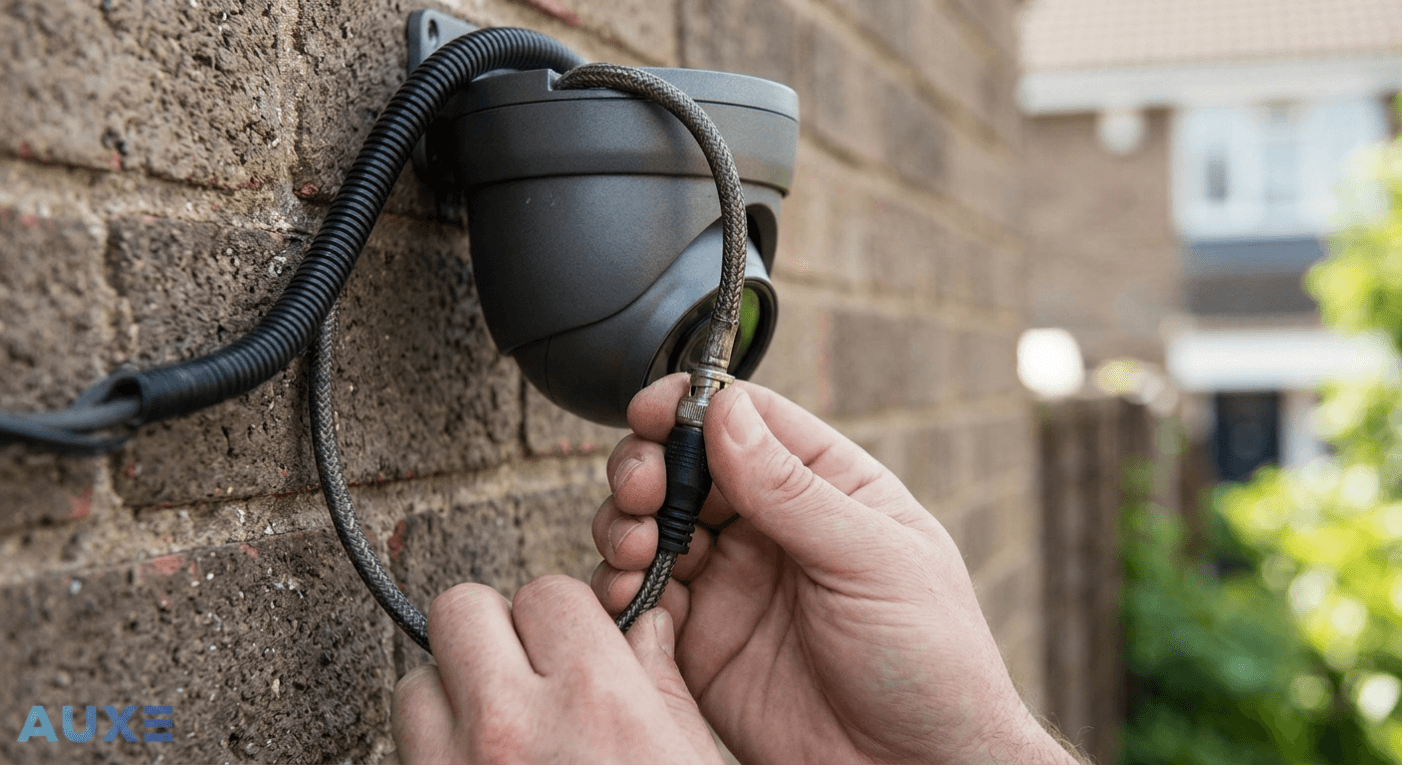
One of the most common problems people face is seeing “No Signal” on the screen. This usually means the camera is not sending video to the recorder or monitor. The first thing to check is the cable connection. Loose or damaged cables are often the reason for this problem. Make sure all wires are plugged in properly.
If you are using a wired system, inspect the cable for cuts or bends. Sometimes weather or animals can damage outdoor wiring. For IP cameras, check if the camera is connected to the network. Restart the router if needed. Also, make sure the power supply is working. If the camera is not getting power, it will not send video.
In many cases, simply reconnecting the cable or restarting the system solves the issue.
Blurry footage can make it hard to identify faces, cars, or important details. This can reduce the value of your security system. A dirty camera lens is one of the most common reasons for blurry video. Dust, fingerprints, or rainwater can block the lens. Cleaning it with a soft cloth often helps.
Another reason could be low camera resolution. Older cameras may not provide clear enough images. Wrong focus settings can also cause blur. Some cameras have adjustable lenses that may need refocusing. Lighting also affects image quality. Too much bright light or too little light can make footage unclear.
If your camera supports HD or 4K, make sure the settings are adjusted correctly.
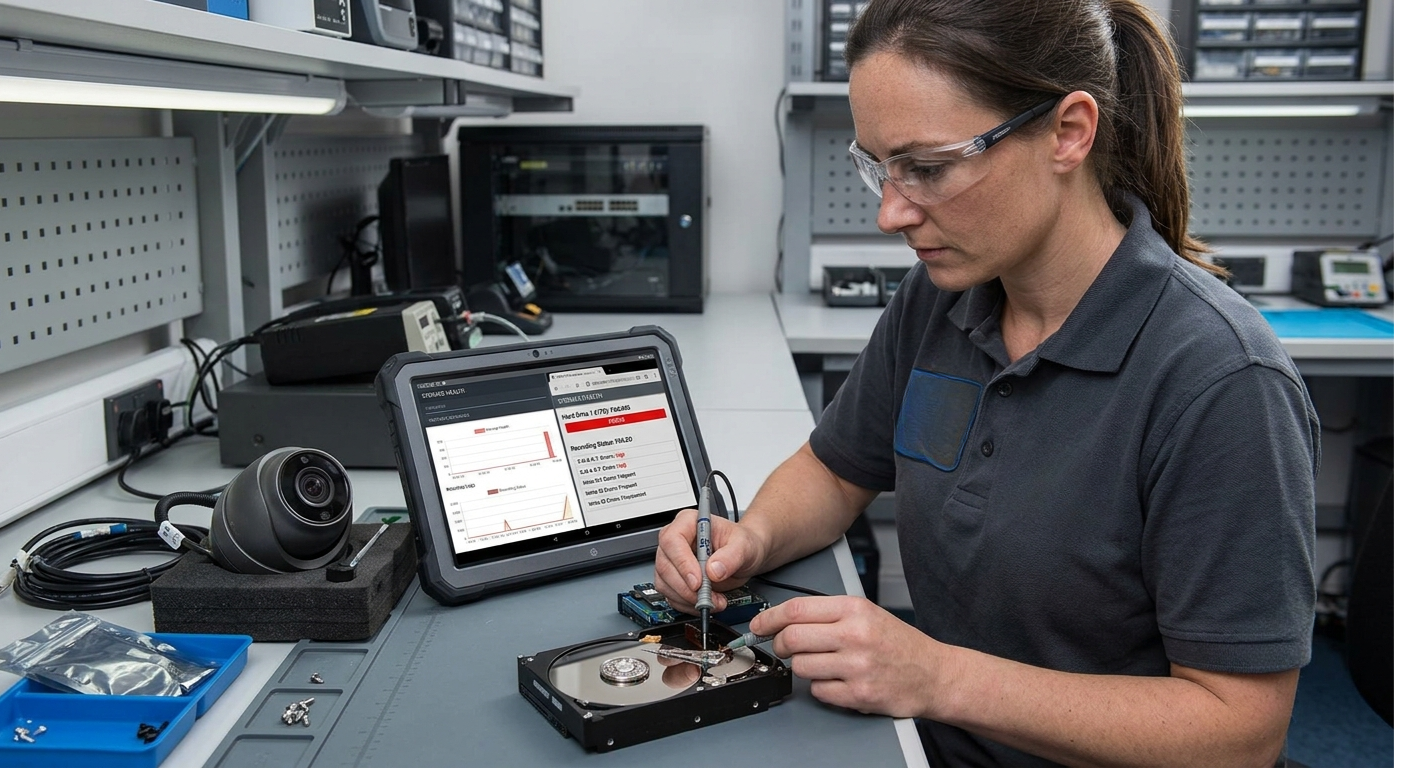
Sometimes cameras show live footage but fail to record. This can be a serious issue because important events may not be saved. Start by checking the storage device. If the hard drive is full, the recorder may stop saving footage. Go into the recording settings and make sure recording is enabled. Sometimes settings may be changed by mistake. Check if the hard drive is damaged. A failing hard drive can stop recordings or corrupt files. ower interruptions can also affect recording schedules. If your system uses cloud storage, check the internet connection because uploads may fail if the network is unstable. Regularly checking storage health can prevent this problem.
Night vision is very important for security, especially after dark. If your camera shows dark or unclear footage at night, there may be a problem. First, check if the infrared lights are turning on. Most CCTV cameras use IR lights for night vision. You can test this by covering the light sensor. If the IR lights do not activate, there may be a hardware issue. Strong nearby lights can also confuse the camera. Street lights or bright bulbs may affect the night mode. Dirt on the lens can reflect IR light and create a foggy effect. Make sure the camera is placed away from reflective surfaces like glass, as this can affect night vision too.
This problem is more common with wireless cameras. The camera may disconnect and reconnect again and again. Weak Wi-Fi signals are often the reason. If the camera is too far from the router, the connection may not be stable. Try moving the router closer or using a Wi-Fi extender. Network overload can also cause this problem. Too many devices connected to the same network may slow things down. For wired cameras, loose Ethernet cables can cause connection drops. Restarting the camera and router can often fix temporary connection issues. For better stability, many businesses prefer professional CCTV camera installation to avoid these problems from the start.
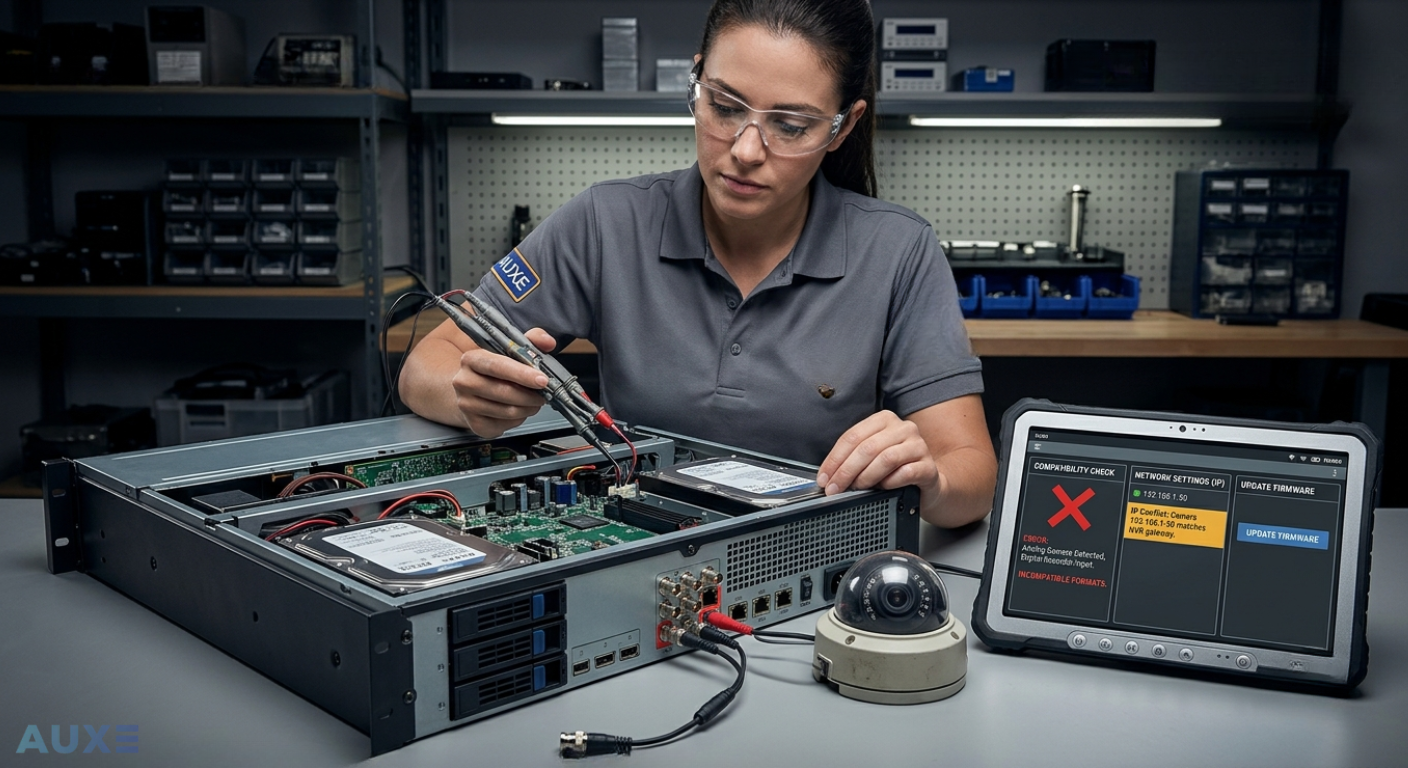
Sometimes the recorder itself does not recognize the camera. This can happen if the camera and recorder are not compatible. Always make sure they support the same format. For IP cameras, check the IP address settings. Wrong IP settings can stop the recorder from finding the camera.
Update the firmware on both the camera and recorder if needed. Sometimes resetting the camera to factory settings and adding it again can solve the issue. Compatibility checks are important before buying new cameras.
Storage problems can lead to missing recordings or system errors. A full hard drive is one of the most common issues. Most systems overwrite old footage, but if this option is off, recording will stop. Hard drives can also fail after years of use. Strange noises or missing files can be signs of a damaged drive.
Using surveillance-grade hard drives is better because they are built for 24/7 recording. Check storage regularly and replace old drives before they fail. Cloud backups can also add extra protection for important footage.
Outdoor cameras face rain, dust, heat, and cold weather. If they are not properly sealed, water can get inside. This can cause blurry images, power issues, or complete failure. Always check the IP rating of outdoor cameras. Weatherproof cameras are designed for harsh conditions.
Inspect camera covers and seals often. If water gets inside, turn off the camera immediately and let it dry. Continuing to use it can cause more damage. Proper installation plays a big role in protecting outdoor cameras.
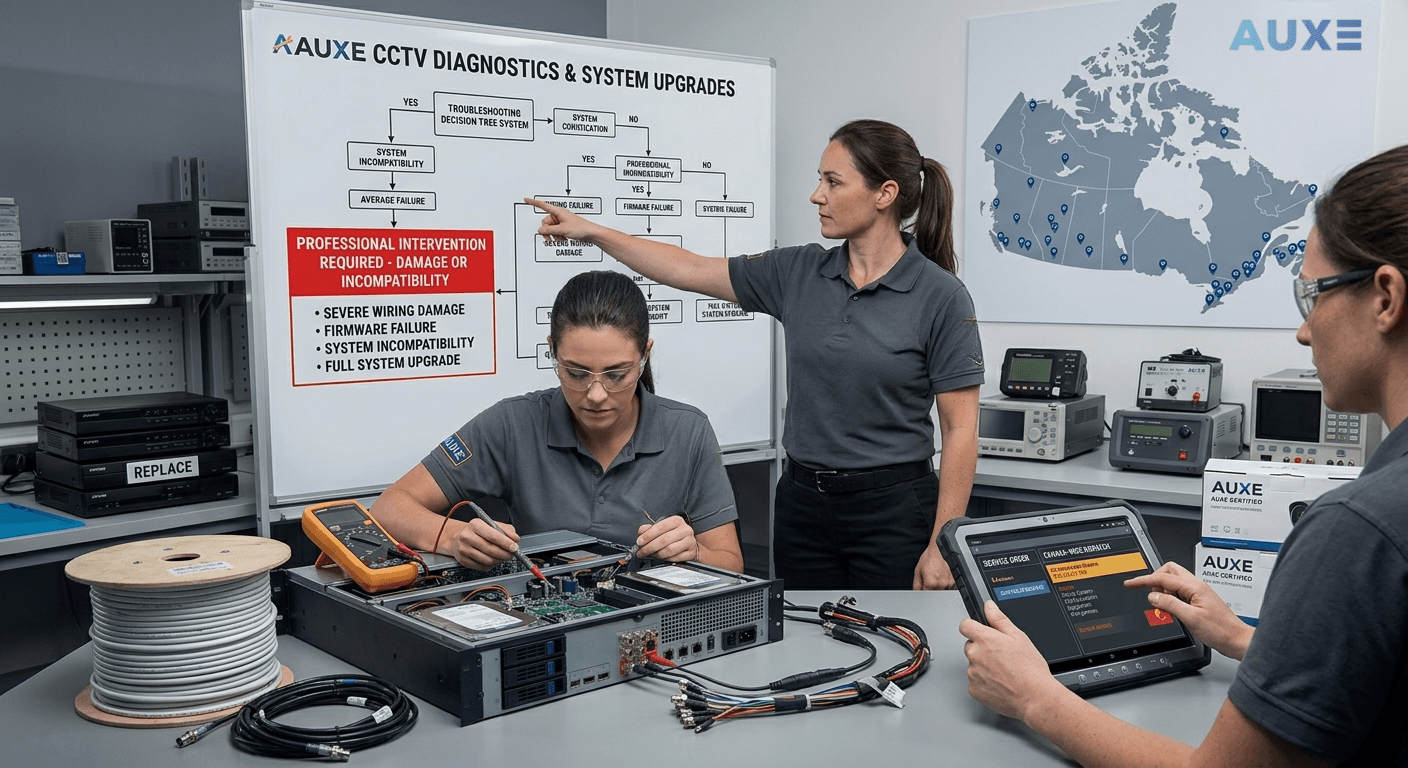
Some CCTV issues are easy to fix, but others may need expert support. If your system keeps failing, wiring looks damaged, or the recorder has serious problems, it is better to call a professional. At Auxe Inc, we provide expert CCTV installation, repair, and maintenance services across Canada. Whether it is fixing a blurry camera, replacing damaged wiring, or upgrading your full security system, our team can help. Professional support saves time and makes sure your security system works the way it should.
CCTV cameras are one of the best ways to protect homes and businesses, but problems can happen over time. From blurry footage to recording failures and connection issues, most of these problems have simple solutions. Regular maintenance, proper installation, and checking your system often can help avoid many of these issues. If you notice a problem that keeps coming back, it may be a sign that your system needs an upgrade or professional repair. A working CCTV system is important because when security matters, every second of footage counts.


.webp)
Our online price calculator is free and requires no credit card, email, or contact information. Check it out!
Our online price calculator is free and requires no credit card, email, or contact information. Check it out!

.png)
.png)
.png)
.png)
.png)
.png)
.png)
.png)
.png)
.png)
.png)
.png)
%20(1).png)
%20(1).png)

%20(1).png)
.png)




.webp)


.webp)
%20(1).webp)